Keeping a 32-Bit iPad in Service Is Still Worth the Effort


ESC closes search




Storage cleanup sounds simple until you're staring at a 32GB iPhone with free space hovering around 1.1GB that refuses an update. That's the situation most readers arrive with. We cover the cleanup paths that work, the ones that look promising but don't, and the legacy quirks that trip people up on older hardware.
Different problems need different reading paths. If your device feels sluggish, that's a performance question. When an update won't install, that's storage. When your computer won't even see the device, that's detection. These categories keep each concern separate so you're not wading through unrelated advice.

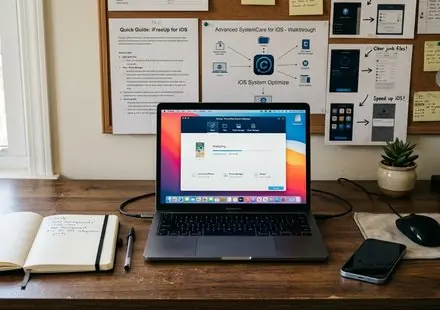
Walkthroughs and reference notes for iFreeUp and Advanced SystemCare for iOS, from first launch to advanced cleanup.

Free space by managing junk files, caches, crash logs, and stranded media across iPhone, iPad, and iPod.

Practical explanations of speed, responsiveness, and why aging devices drift slower over time.
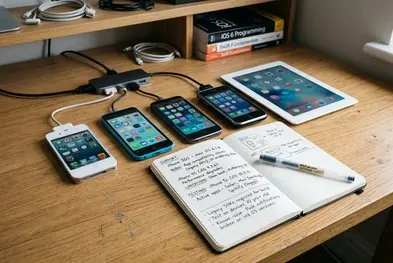
Notes on older iOS versions, supported devices, known limits, and troubleshooting paths.
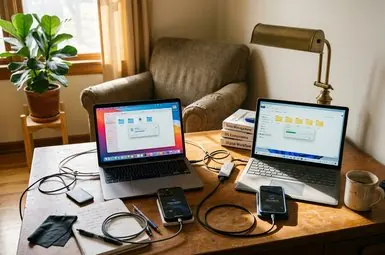
Mac and Windows steps for moving photos, music, and video off iOS devices safely.
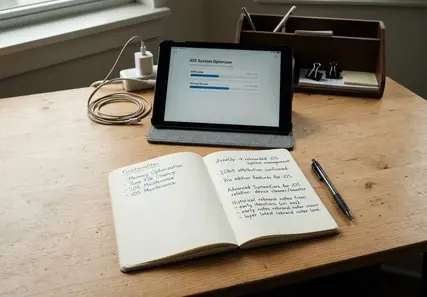
Reference coverage of iFreeUp's IObit attribution, Pro edition, and the Advanced SystemCare for iOS rebrand.
Every workflow here is tested on real hardware before it's published. That matters more than it sounds. A cleanup step that works flawlessly on iOS 15 can behave differently on an iPhone 6 running something much older, and screenshots from the current OS don't always match what a legacy user sees.

The director of editorial content, Marcus Hale, leads a small team focused on iOS storage and legacy-device maintenance. Field experience revealed that the most common reader frustration isn't a missing feature — it's advice that quietly assumes the latest device.
So the guidance leans conservative. We flag where a step depends on a specific iOS version, and we note when a behavior might differ on hardware we couldn't test directly.
Critical Insight: Storage recovery results vary with how a device has been used. A phone packed with offline video reclaims space differently than one weighed down by years of app caches. The guides explain both patterns rather than promising a single number.
Recommendation: Back up before any major cleanup. Even a careful storage sweep is easier to trust when you know your photos are already copied to a computer, see the photo and video transfer guide.
Deep-dive into the subject matter.
Outline structure and key points.
Create comprehensive, accurate content.
Edit and fact-check everything.
Share with the world.